Download Eagon Gaming Client Now!


Below is a tutorial on how to download.


Step 1

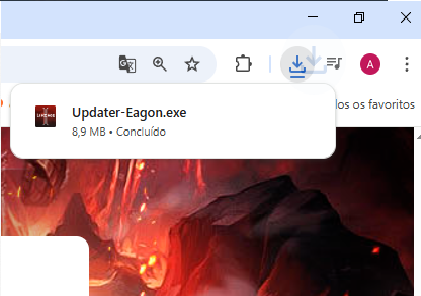
Step 1 — Download Updater

  • Download the Updater.
  • Go to downloads.

Step 2

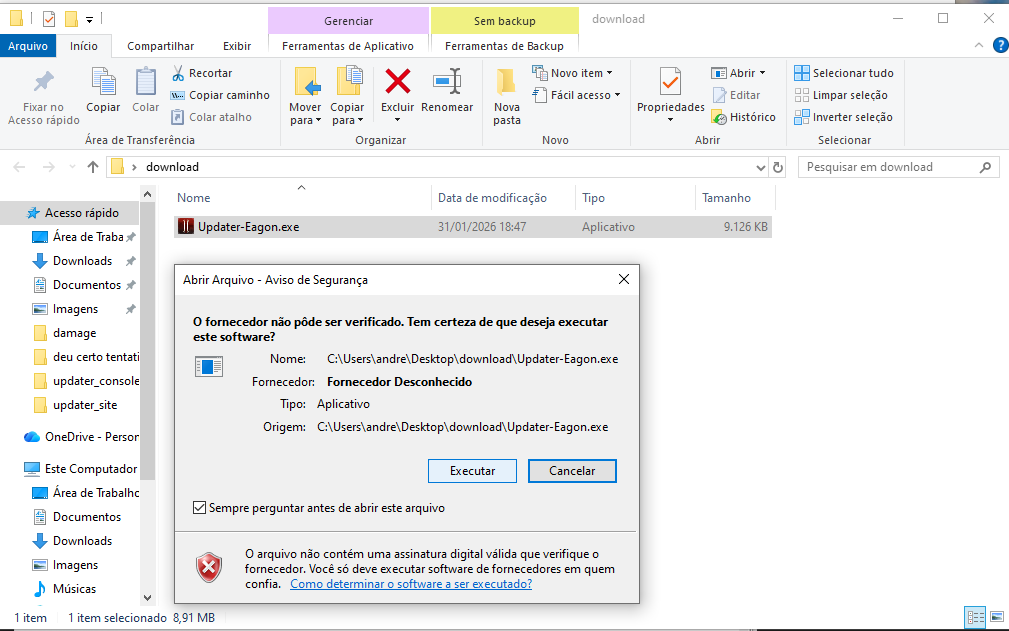
Step 2 — Download Updater

  • Execute Updater-Eagon.exe

Step 3

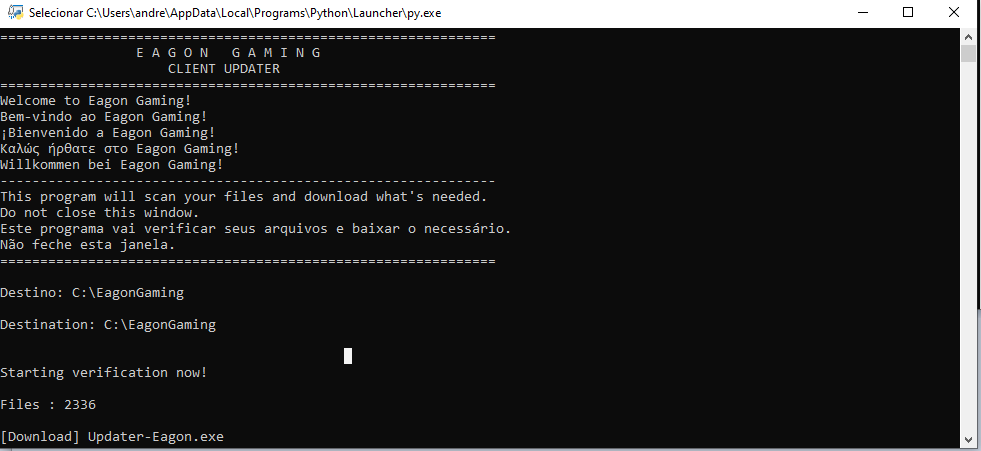
Step 3 — Download Updater

  • Now it will create a folder on your computer in c:/EagonGaming and start downloading all the files, and when it finishes it will create a shortcut on your desktop.

Step 3

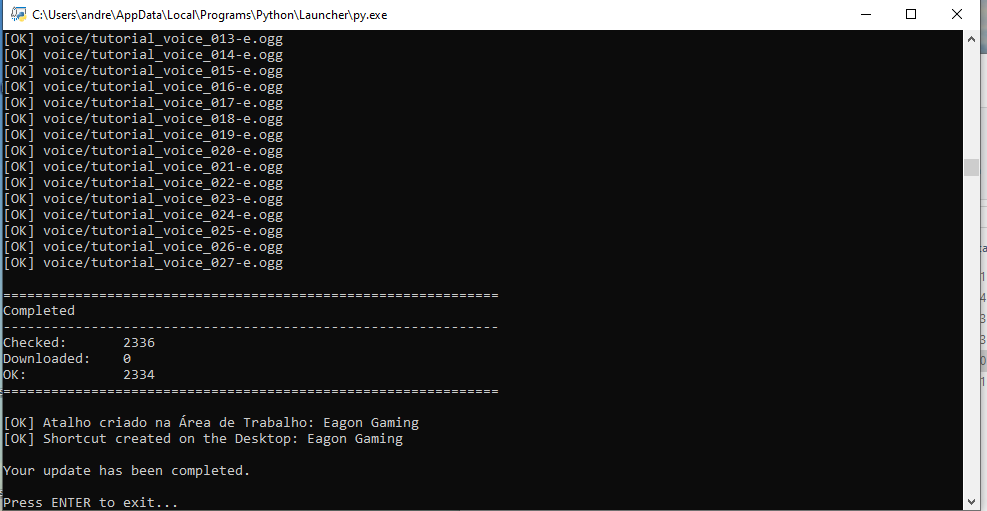
Step 4 — Download Updater

  • After the download or update is complete, press Enter to finish.